The work
Before this system, quotations were created manually in Excel. The person had to prepare the quote line by line, organise costs, and manually turn the file into something presentable enough to share with a client.
The friction
The repetitive part was not just typing the numbers. The difficult part was cleaning the quotation and preparing it as a PDF that looked professional enough to present. Excel could hold the numbers, but it was not always clean enough as a final client document.
The system
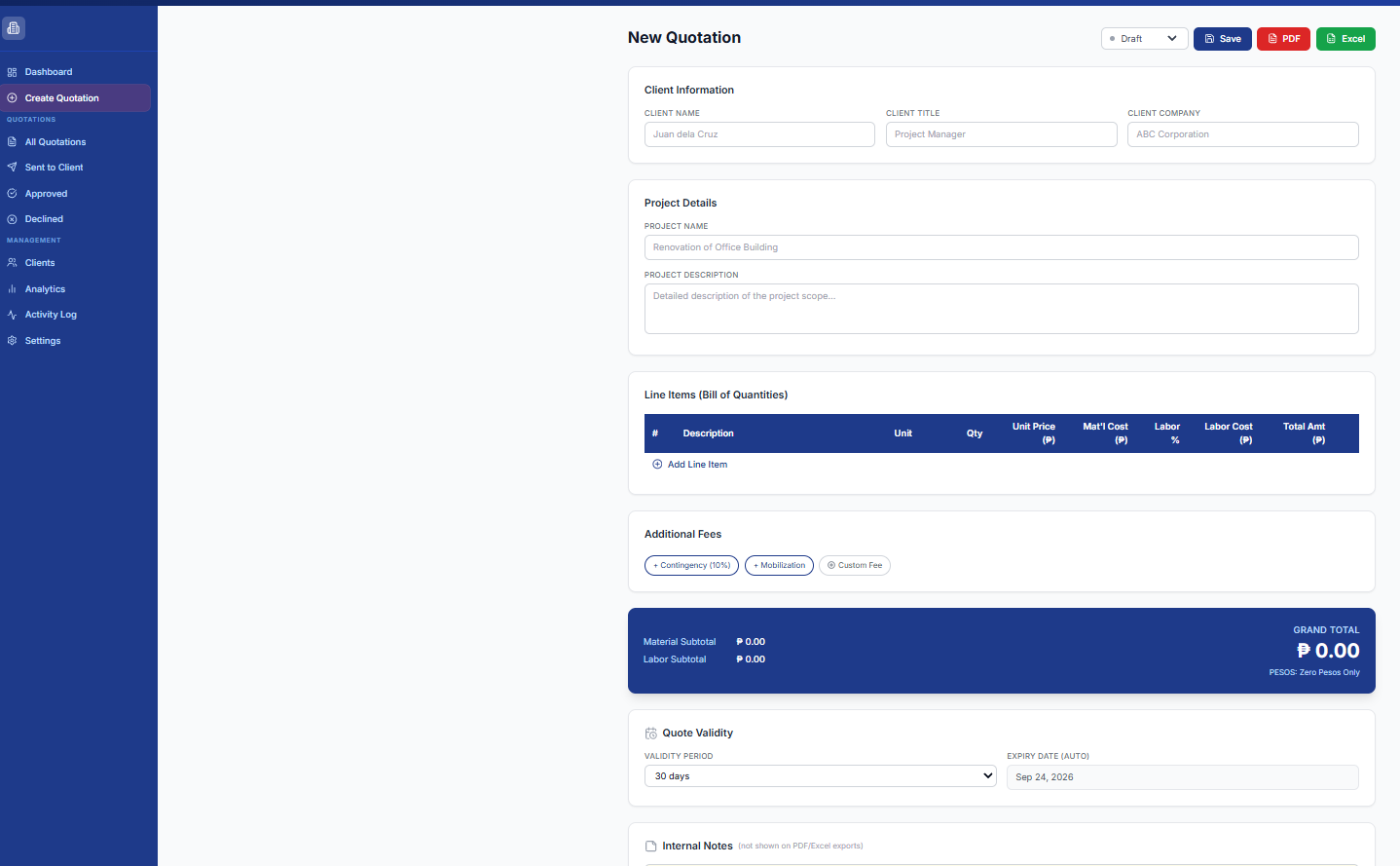
One pass through the form produces both the saved quotation record and the client-ready export.
- Enter client information
- Enter project details
- Add line items
- Add material, labor, and equipment costs
- Apply additional fees when needed
- Calculate totals
- Set quotation validity
- Save the quotation
- Export a client-ready PDF
What it handles
- Client information
- Quotation structure
- Project details
- Line items
- Labor, material, and equipment cost organisation
- Additional fees
- Total calculation
- Quotation status tracking
- PDF export
- Quotation records and overview inside the dashboard
What stays human
Every figure in the quotation is entered and checked by a person before it goes out.
- Entering the client information
- Entering the correct project details
- Entering the correct material, labor, and equipment costs
- Checking the quotation before export
- Deciding when the quotation is ready to send to the client
Supporting surfaces
Demo state shown without live client data. Business identifiers redacted.
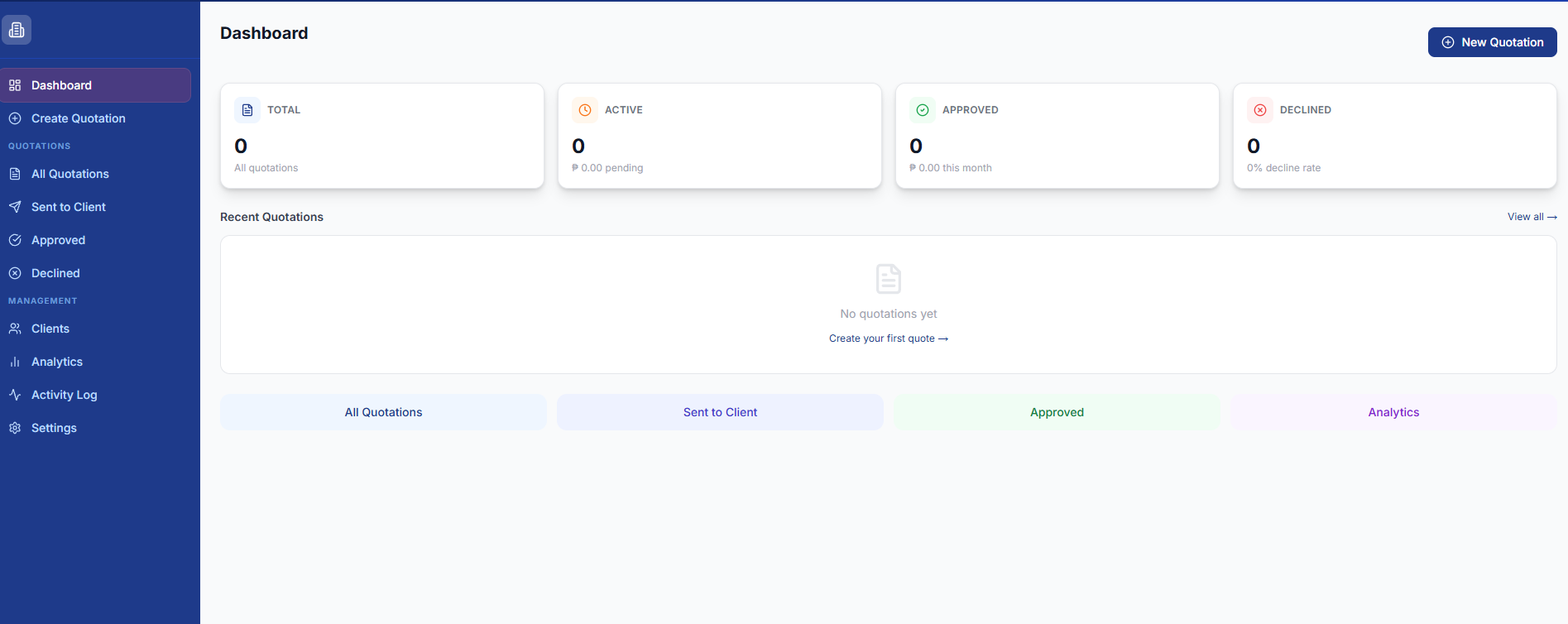
DashboardQuotation records and status counts at a glance.Open at full size 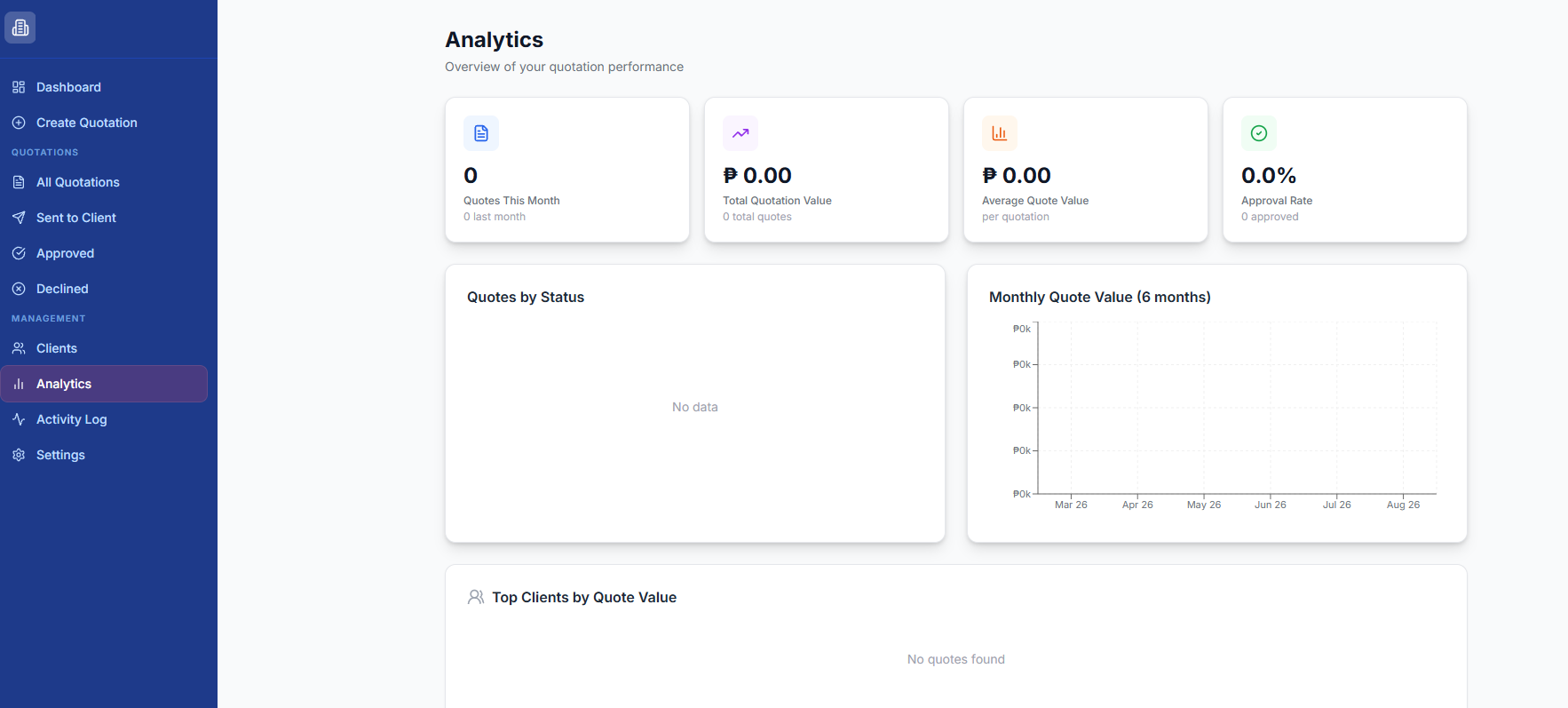
AnalyticsWhere quotation activity is summarised once quotes exist.Open at full size 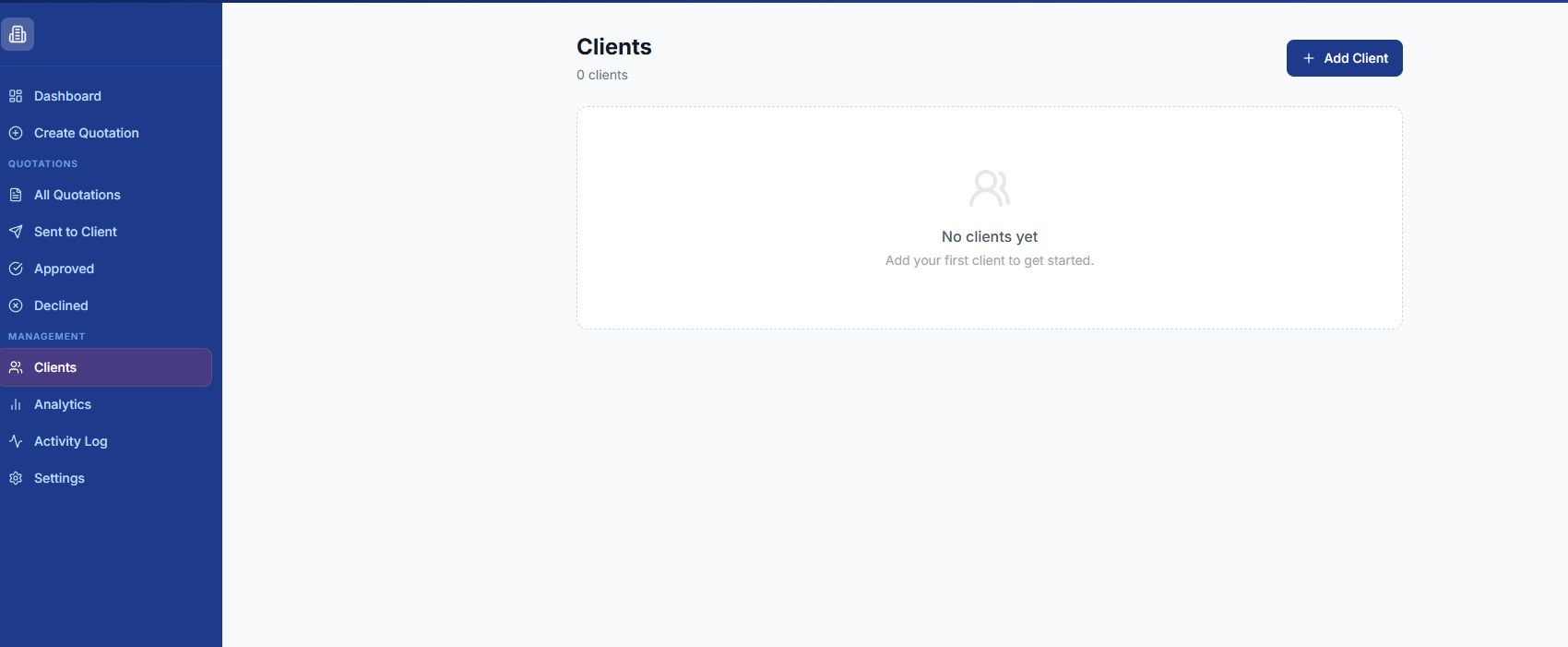
ClientsThe client records that quotations are attached to.Open at full size
The principle
The system structures the quotation. The numbers, and the decision to send it, stay with a person.
Exceptions
The main correction point is input accuracy. If the client details, line items, or cost values are entered incorrectly, the quotation needs to be corrected before it is saved or exported. The system organises the quotation, but it still depends on correct numbers being entered.
- Incorrect client details
- Incorrect line items
- Incorrect cost values
How it improves the workflow
Instead of manually creating quotations in Excel and cleaning them up for presentation, the user enters the required information once and the system prepares a cleaner, more consistent quotation workflow with a client-ready PDF output.